AI Workflow AutomationSmall Business OperationsAI AgentsBusiness Automation
AI Workflow Automation for Small Business: Practical Guide
Master ai workflow automation for small business. Learn realistic costs, ROI calculations, no code tools, and how to scale reliable agentic operations.
About 78 percent of organizations used artificial intelligence in 2024, up from 55 percent the previous year, according to the U.S. Census Bureau as reported by St. Thomas University. Yet for many operational leads and company founders, the gap between experimenting with generative prompts and deploying dependable systems remains wide. Adopting ai workflow automation for small business is no longer about testing standalone chatbots; it is about connecting disparate business software into cohesive, reasoning operational pipelines.
When executed properly, automated systems handle unstructured data, route complex customer inquiries, reconcile financial records, and free teams from soul crushing administrative churn. This guide provides an executive operational blueprint, covering architecture, realistic cost models, software selection, and quality governance to transform your daily operations.
What Is AI Workflow Automation for Small Business (And How It Differs From Traditional Scripts)
Traditional automation relies entirely on deterministic, rigid logic: if event A happens in one tool, execute action B in another. While platforms like Zapier made this accessible, standard rule based recipes break the moment they encounter dirty data, unstructured formats, or unexpected inputs. A misspelled customer email or an uploaded invoice in an unfamiliar layout causes the entire automation to halt or fail silently.
AI workflow automation injects cognitive reasoning into these processes. Instead of blindly moving static data fields between systems, intelligent workflows interpret context, make situational judgments, extract structured data from chaotic documents, and adapt to edge cases.
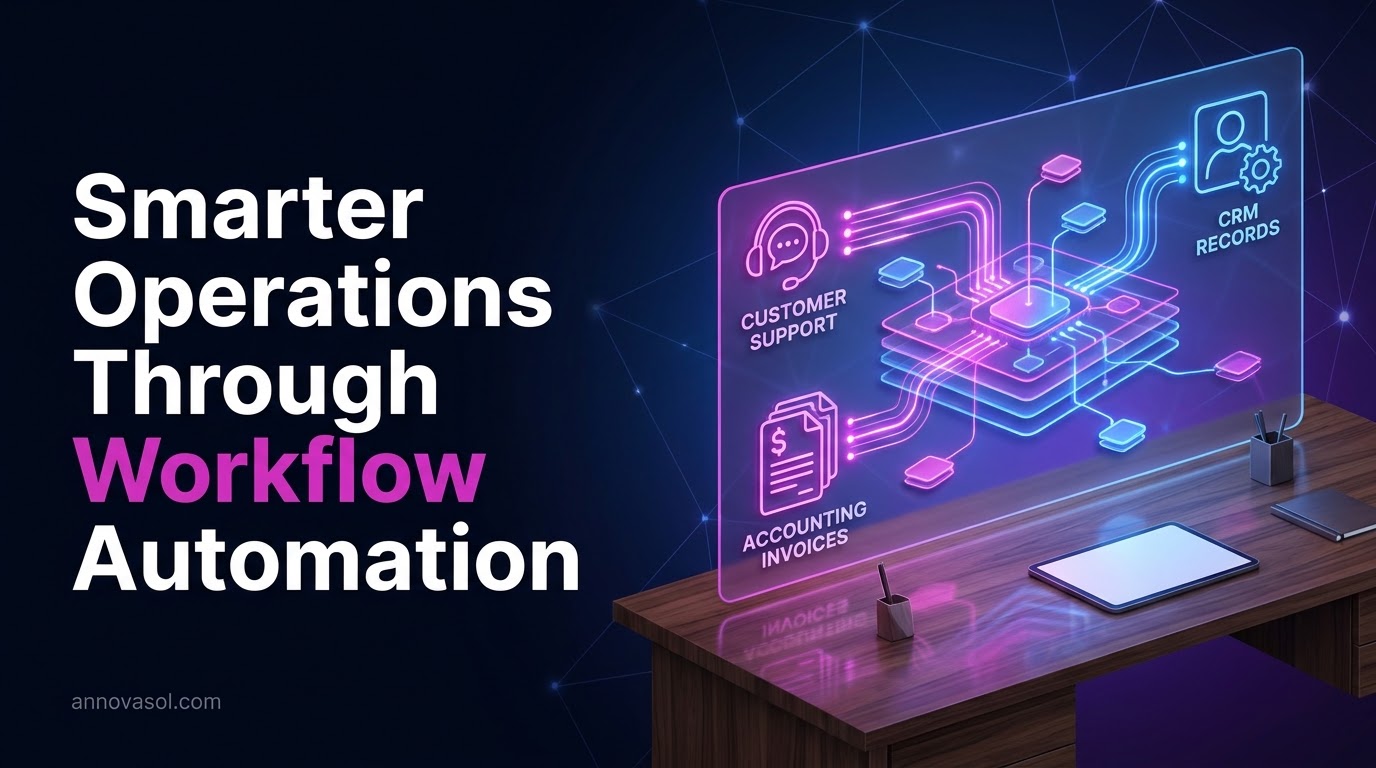
So, how does ai workflow automation work beneath the surface? An intelligent workflow pairs standard application programming interfaces (APIs) with large language models, computer vision, and routing heuristics. The process moves through four distinct operational layers:
- Trigger and Ingestion: The system detects an event, such as a customer submitting a support form, an email arriving with an attached PDF agreement, or a lead responding to an outreach campaign.
- Contextual Evaluation and Extraction: Rather than parsing fixed text coordinates, an AI model reads the text, classifies the sentiment, checks for missing variables, and normalizes unstructured information into structured JSON formatting.
- Reasoning and Routing: Dynamic decision engines determine what should happen next based on company policies, customer history retrieved from a database, and confidence scores.
- Action Execution and Verification: The system writes data to destination tools, sends tailored communications, or hands the record to a human specialist if confidence scores fall below pre set thresholds.
Traditional automation functions like a digital conveyor belt that moves boxes of identical shapes. AI workflow automation functions like an experienced digital worker who inspects the box, rectifies errors, routes items according to contents, and flags questionable packages for inspection.
Research by the JPMorganChase Institute reveals that small businesses founded recently are adopting artificial intelligence at a rate ten times faster than firms founded six years earlier, demonstrating that operational speed is quickly becoming a primary competitive moat.
High Impact AI Automation Use Cases Across Core Business Operations
Small business operators do not have the luxury to chase speculative technology experiments. Successful deployment demands focusing on workflows with high transaction frequency, repetitive steps, and substantial labor costs.
Lead Qualification and Rapid Response
Inbound sales response speed dictates conversion rates. A prospective buyer who receives an informed answer within five minutes is exponentially more likely to convert than one contacted the next morning. An intelligent pipeline reads inbound form submissions, references past client profiles, enriches the lead via public data APIs, drafts a personalized reply, and schedules a meeting directly on the appropriate account executive's calendar.
Customer Support and Ticket Escalation
Customer service teams often drown in routine questions regarding order statuses, warranty information, and scheduling requests. According to research on conversational automation cited by St. Thomas University, intelligent conversational software can resolve up to 70 percent of routine inquiries autonomously. When a complex technical issue or disgruntled customer arrives, the agent categorizes the severity, summarizes past ticket history, and alerts a senior team member in Slack or Microsoft Teams with an auto generated resolution draft.
Finance and Accounts Payable Processing
Manual invoice matching consumes dozens of staff hours each billing cycle. Optical character recognition combined with large language models extracts vendor data, line items, tax rates, and purchase order numbers from scanned receipts and PDF invoices. The system verifies these values against your accounting ledger, flags duplicate charges, and queues clean entries in QuickBooks or Xero for one click approval by the finance director.
Operational Coordination and AI Agents for Business Operations
Beyond isolated tasks, modern teams deploy ai agents for business operations that manage complete cross departmental routines. For example, during client onboarding, an autonomous agent can generate client folders in Google Drive, provision user seats in proprietary portals, compile initial project briefs from sales call transcripts, and notify delivery teams of impending deadlines. Companies such as Zoom have reclaimed up to 133 work weeks annually through standardized workflow automation according to St. Thomas University's management research.
In marketing operations, the impact is equally pronounced. According to the HubSpot AI Trend Report referenced by Flowlu, 75 percent of marketers now use automation to strip away manual busywork, focusing instead on creative campaign strategy and customer insights.
The SMB AI Tech Stack: Comparing No Code, Low Code, and Autonomous Agent Platforms
Selecting the right automation engine dictates how quickly you launch, how much maintenance you incur, and whether you run into architectural bottlenecks as execution volume expands. Small businesses generally choose among three architectural tiers.
1. Hosted No Code Integrators (Zapier, Make)
No code platforms offer visual drag and drop interfaces with thousands of prebuilt connectors. They excel for straightforward operations maintained by non technical department heads. Make offers superior multi branch routing and visual debugging at a competitive price point, while Zapier provides the broadest plug and play application directory. However, both platforms bill based on individual tasks or operational steps, meaning costs can multiply rapidly when complex workflows require multi stage reasoning.
2. Low Code, Self Hosted Orchestration (n8n)
For organizations processing higher volumes or handling sensitive customer data, low code engines like n8n provide exceptional versatility. Available as either a hosted cloud service or a self hosted platform, n8n charges based on total workflow executions rather than individual steps. This makes it significantly cheaper for chained AI processes. It also includes native nodes for LangChain, vector store querying, and JavaScript execution, allowing teams to build custom logic without enterprise consulting retainers.
3. Autonomous Multi Agent Frameworks (LangGraph, CrewAI, Relevance AI)
When processes require autonomous investigation, branching research, and iterative self correction, developer teams turn to agentic frameworks. These tools permit multiple specialized agents, such as a researcher agent, an editor agent, and a compliance reviewer, to work sequentially or in parallel toward complex operational outcomes.
| Platform Tier | Best For | Typical Monthly Cost | Customization Flexibility | Technical Skill Required | Data Privacy Control |
|---|---|---|---|---|---|
| Zapier | Fast no code deployment across standard SaaS tools | $20 to $270+ based on task volume | Low to Medium | Non technical | Standard cloud hosting |
| Make | Visual branching logic and multi step workflows | $9 to $99 based on operations | Medium to High | Low to Intermediate | Standard cloud hosting |
| n8n (Self Hosted / Cloud) | High volume runs, complex logic, and agent nodes | $0 (self hosted server) or $20+ cloud | High | Intermediate (JSON, JavaScript) | Full control (on prem / private cloud) |
| LangGraph / CrewAI | Multi agent reasoning, dynamic code execution, RAG | Pay per API token consumption | Maximum | High (Python / TypeScript engineers) | Full private infrastructure |
Step by Step Implementation: How to Implement AI Workflow Automation
Rushing into automation without operational diligence leads to brittle workflows that create more confusion than they resolve. Here is how to implement ai workflow automation using a structured five phase roadmap:
Phase 1: The Operational Friction Audit
Identify where administrative drag concentrates. Gather your team and map out processes that consume significant weekly hours, involve repeated copying of data between applications, and rely on predictable decisions. Document every touchpoint, input format, software account, and approval handoff.
Phase 2: Input Normalization and Knowledge Preparation
AI models cannot reason accurately across fragmented or contradictory internal documentation. Assemble clean standard operating procedures, price books, service level agreements, and return policies into organized knowledge bases. If your automation relies on retrieval augmented generation (RAG) to look up company knowledge, ensure documentation is stored in consistent markdown or text formats rather than chaotic spreadsheets.
Phase 3: The Pilot Pipeline Prototype
Select one high impact, low liability workflow as your initial pilot. Excellent candidates include routing inbound web contact requests or drafting internal meeting summaries. Build the workflow in your chosen platform, connecting your trigger to an AI model evaluation node, followed by a structured JSON parser.
Phase 4: Human Review Sandbox
Never route automated AI outputs directly to production clients during the initial launch phase. Configure your system to route AI generated emails, invoice categorizations, or CRM record modifications into a review queue inside Slack, Microsoft Teams, or a spreadsheet. Have human team members approve, edit, or reject the AI outputs for two to three weeks, logging every instance where the model misunderstood instructions.
Phase 5: Production Deployment and Monitoring
Once your sandbox achieves an acceptable accuracy threshold (consistently 95 percent or higher), switch the workflow to production execution. Implement automated error alert webhooks that instantly ping your technical lead if an API key expires, a vendor changes their document structure, or an LLM call returns a rate limit exception.
Realistic Cost Breakdown: Subscriptions, API Consumption, and Maintenance
Small business owners frequently discover that software landing pages do not reflect the true total cost of ownership. Calculating your actual ai workflow automation cost for business requires accounting for four distinct expense categories:
- Platform Subscriptions ($20 to $300 monthly): Your primary workflow engine (such as Zapier Team, Make Pro, or n8n Cloud) plus ancillary middleware connectors.
- Model API Token Consumption ($15 to $150 monthly): Direct API costs from model providers like OpenAI, Anthropic, or Google. For most SMB text processing workloads, models such as Claude 3.5 Sonnet or GPT-4o cost pennies per execution. An agency processing 2,000 inbound emails monthly rarely exceeds $40 in model API expenses.
- One Time Architecture and Implementation ($1,500 to $12,000): If your internal team lacks engineering bandwidth, partnering with an agency or freelance integration specialist represents a one time deployment capital expenditure. Simple workflows sit near the $1,500 mark, whereas connected, multi department agent ecosystems scale toward $10,000 or more.
- Ongoing System Maintenance ($200 to $600 monthly): APIs change, SaaS vendors update authentication protocols, and company procedures shift over time. Neglecting routine maintenance leads to silent pipeline failures.
Total First Year Investment = Base Software Licenses + Total Token Usage + Setup/Build Cost + Ongoing Maintenance
When evaluated against full time administrative hires, the math remains overwhelmingly favorable for small companies that manage costs methodically.
The ROI Equation: How to Quantify AI Workflow Automation ROI for Business
Proving the financial value of automation requires looking beyond vague productivity promises. You need hard numbers based on recovered payroll hours, prevented errors, and accelerated transaction velocity.
To compute the ai workflow automation roi for business operations, use this standard baseline equation:
$$\text{Net Annual Benefit} = (\text{Hours Saved per Week} \times 52 \times \text{Loaded Hourly Rate}) + \text{Annual Error Remediation Costs Saved} + \text{Recovered Pipeline Revenue}, \text{Annual Automation Cost}$$
$$\text{ROI} = \left(\frac{\text{Net Annual Benefit}}{\text{Annual Automation Cost}}\right) \times 100$$
Consider a practical example using authoritative labor benchmarks:
- According to data from the Bureau of Labor Statistics, private industry employer costs for employee compensation averaged $46.89 per hour worked in June 2026.
- Suppose your operations coordinator spends 10 hours each week manually retyping intake forms, matching invoices, and routing customer leads.
- At a loaded cost of $46.89 per hour, that repetitive labor costs your business $24,382.80 every year in direct operational payroll.
- Automating 80 percent of this process recovers 8 hours weekly, yielding $19,506.24 in recaptured labor capacity that can be redirected toward revenue generating activities.
- Assuming a first year automation expense of $4,500 (covering setup, subscriptions, and API tokens), the net first year benefit is $15,006.24, producing an ROI exceeding 330 percent.
In addition to labor hours, automated response pipelines prevent revenue leakage. Small businesses that cut lead response times from hours to minutes capture significantly higher conversion rates, compounding the direct payroll savings with top line growth.
Governance and Quality Control: Mitigating Risks With Human in the Loop Safeguards
Deploying artificial intelligence inside critical business pipelines introduces specific operational liabilities: model hallucinations, prompt injection vulnerabilities, and regulatory compliance oversights. Small organizations must institute strict defensive architecture before rolling systems out to real customers.
Implement Strict Confidence Scoring
When an LLM extracts data or evaluates an inquiry, require it to return an internal confidence score alongside its structured output. Configure your workflow to route any transaction with a confidence score under 90 percent directly to a human operator for manual verification.
Establish Human in the Loop Checkpoints
Never allow fully autonomous actions when substantial liabilities exist. High value financial transfers, legal document dispatch, contract sign offs, and sensitive customer dispute responses must always terminate in an approval gate. An automated agent can draft the documentation and prepare the transaction, but an authorized human team member must hit the final confirm button.
Enforce Data Minimization and Privacy Standards
Avoid feeding unnecessary customer personally identifiable information (PII) into third party AI models. Strip out social security numbers, banking details, and protected health information before passing text to commercial APIs. Ensure your vendor agreements with platform providers specify that your proprietary company data will not be used to train foundational public models.
Build Granular Fallbacks and Audit Logs
Every workflow should write run logs to an accessible repository. If an external API experiences downtime or returns an unreadable response, your pipeline should gracefully divert to a fallback queue rather than failing silently. By pairing intelligent automation with rigorous human oversight, small businesses can achieve the operational velocity of enterprise corporations while preserving absolute reliability.
Sources
- softdoes.com
- census.gov
- jpmorganchase.com
- megawebvision.com
- How Businesses Are Using Automation & AI in Management
Ready to Build Reliable AI Workflows for Your Business?
At Annovasol AI, we assess your operational bottlenecks first, then build resilient automated pipelines using low code platforms, custom integrations, and human oversight.
Frequently asked questions
What are some effective AI workflows for small businesses?
High return AI workflows include automated lead scoring and immediate calendar booking, extracting data from PDF supplier invoices into accounting software, and routing customer support inquiries based on sentiment and topic classification. These workflows save dozens of hours each week while improving response speed and customer satisfaction across core departments.
Which AI tool is best for workflow automation?
The optimal tool depends on your technical skill and monthly execution volume. Make is ideal for non technical operators needing visual branching logic at modest cost, whereas n8n is best for organizations needing developer flexibility, data privacy control, and cost efficient high volume execution without step based billing penalties.
Can AI produce business process workflow automation?
Modern generative AI tools can write automation code, configure API payload structures, and build complete workflow logic from plain language prompts. Platforms like Zapier and n8n now include natural language assistants that generate functional multi step integration recipes, drastically accelerating setup times for small business operational teams.
How does AI workflow automation work under the hood?
AI workflow automation combines standard application programming interface connectors with machine learning models that parse unstructured text, interpret intent, and make contextual decisions. The system triggers on an event, translates unstructured inputs into clean structured data, applies business routing rules, and executes designated actions in target software applications reliably.
How much does AI workflow automation cost for a small business?
Self serve software platforms typically cost between $20 and $100 monthly, with model API token consumption adding $15 to $100 per month for normal operational volumes. If hiring an outside specialist for custom architecture, professional implementation generally ranges from $1,500 to $10,000 depending on workflow complexity and integration depth.
How do I calculate the ROI of AI automation for my business?
Calculate the total weekly hours reclaimed by automation, multiply that number by 52, and multiply by your employee loaded hourly compensation rate. Add savings from error reduction and gained lead revenue, then subtract your annual automation software and setup costs to determine your net return on investment.
What is the difference between Zapier rule-based workflows and AI agentic workflows?
Zapier rule based workflows execute rigid if this then that commands that break when inputs deviate from expectations, whereas AI agentic workflows use cognitive models to comprehend context, process messy unstructured data, adapt to edge cases, and execute autonomous multi step reasoning across business tools.
Do I need coding skills or an internal developer to implement AI automation?
You do not need professional programming skills to build dependable workflows using visual no code tools like Make, Zapier, or modern n8n interfaces. However, highly customized agent frameworks, complex database manipulations, or self hosted servers benefit substantially from intermediate technical knowledge or guidance from an automation partner.
How do small businesses prevent AI hallucinations and errors in automated pipelines?
Prevent hallucinations by constraining the AI to verified internal knowledge bases, setting low temperature parameters, enforcing structured JSON output schemas, and establishing human in the loop approval gates for high liability decisions. Any automated output falling below an established confidence threshold should automatically escalate to a team specialist.
How long does it take to implement and deploy an AI workflow in a small business?
A focused single process workflow, such as lead notification or automated invoice extraction, can be built, tested in a sandbox environment, and deployed within one to two weeks. More extensive multi agent operations that integrate numerous company databases usually require four to eight weeks of development and validation.
AT
Written by
AnnovaSol Team
Building production AI at AnnovaSol — agents, RAG, voice systems.